
Thermal Paste Guide: How to Apply & Best Picks (2025)
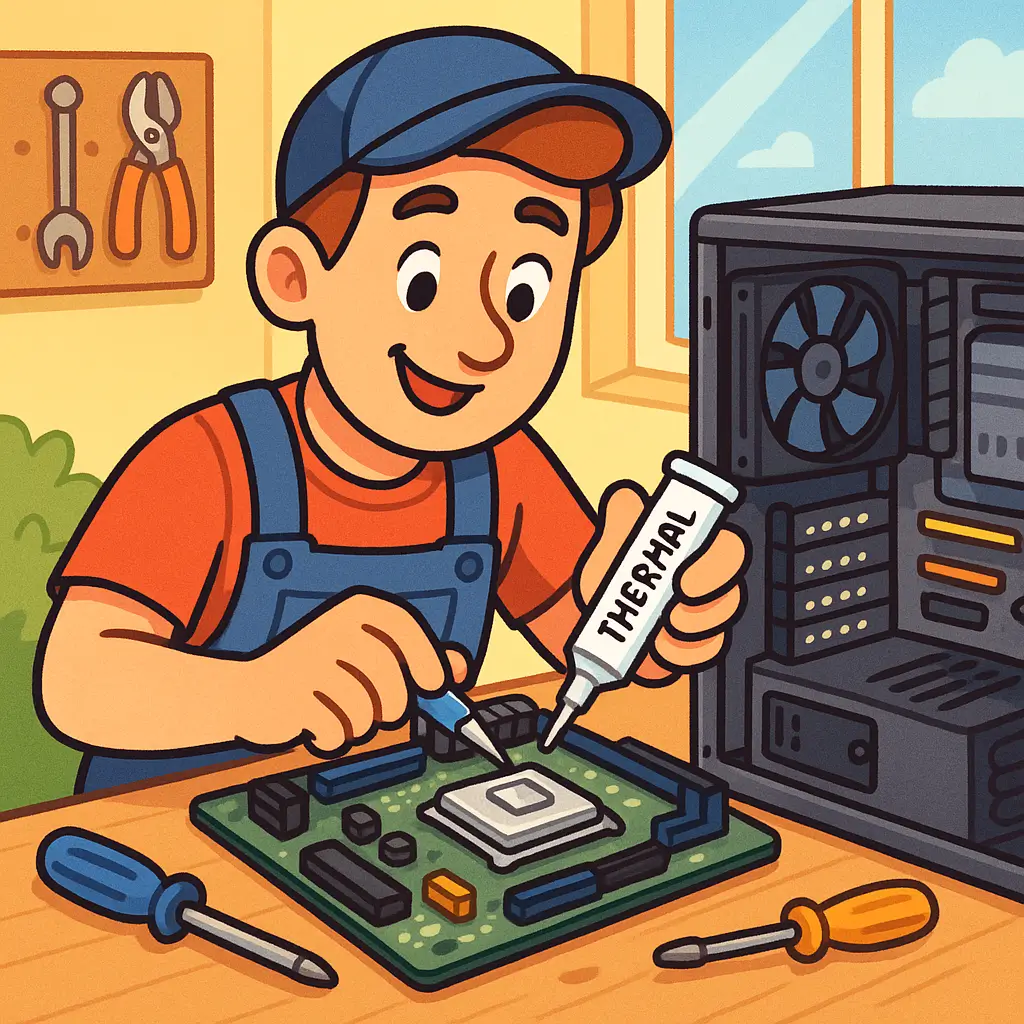
Thermal Paste: What It Is, Why You Need It, and How to Apply It
If you're building a PC or upgrading your CPU, you've probably come across the term thermal paste. It might not seem as exciting as a new graphics card or high-end processor, but trust me — thermal paste plays a huge role in your system's performance and temperature.
In this post, I’ll break down what thermal paste is, why it matters, how to apply it (without the mess), and share my personal picks for the best thermal pastes in 2025.
What Is Thermal Paste?
Thermal paste — also called thermal compound or thermal grease — is a gooey substance that fills microscopic gaps between your CPU and its cooler. Even though the surfaces of a CPU and heatsink might look flat, they’re not perfectly smooth. Tiny air pockets can trap heat, and thermal paste ensures there's a good contact between the two, allowing heat to transfer efficiently from your CPU to the cooler.
In simple terms: no thermal paste = poor heat transfer = overheating = bad day.
Why Thermal Paste Matters
If you’ve ever noticed your CPU temps spiking unexpectedly, it could be due to dried out or poorly applied thermal paste. Good thermal paste can:
- Drop CPU temps by several degrees
- Improve performance, especially under load
- Extend the life of your CPU
Want to make sure your system stays cool long term? Check out our Essential Guide to Monitoring and Managing CPU Temperature for tools and tips.
It’s especially important if you're overclocking or using a high-performance chip like the AMD Ryzen 9 9950X3D or Intel Core i9-14900K.
How to Apply Thermal Paste (Without Stressing Out)
This part trips up a lot of beginners, but it's easier than it looks. Here's a quick step-by-step:
- Clean the surface: Use isopropyl alcohol and a lint-free cloth (or coffee filter) to wipe off any old paste from your CPU and cooler.
- Apply a small amount: A pea-sized drop in the center of the CPU is usually enough. Don't go overboard — too much paste can actually hurt performance.
- Mount the cooler: Lower it straight down onto the CPU and screw it in evenly. The pressure will spread the paste.
That’s it! No need to spread it manually — modern coolers handle that just fine.
Best Thermal Pastes in 2025 (My Picks)
There are tons of options out there, but here are a few reliable picks that won’t let you down:
- Thermal Grizzly Kryonaut – Great for overclockers; premium price, premium performance.
- Noctua NT-H1 or NT-H2 – Easy to apply, very consistent performance.
- Arctic MX-6 – Affordable and effective; a favorite among builders.
- Cooler Master MasterGel – Budget-friendly and widely available.
I personally use Noctua NT-H2 for most builds — it hits the sweet spot between ease of use and thermal performance.
Bonus: How to Remove Thermal Paste
If you’re upgrading your CPU or reseating your cooler, always clean off the old paste first. Use a bit of isopropyl alcohol (at least 90%) and gently wipe it off with a microfiber cloth or paper towel. Just take your time — no need to scrape or scrub.
Final Thoughts
Thermal paste might not be glamorous, but it’s essential. It’s one of those small details that makes a big difference. Whether you’re building your first PC or tweaking your temps for better performance, taking the time to apply (and choose) the right thermal paste is totally worth it.